Administration, roles, tenants, and security
eDocify administration controls who can see which product, client, company, document, queue, export profile, and internal function.
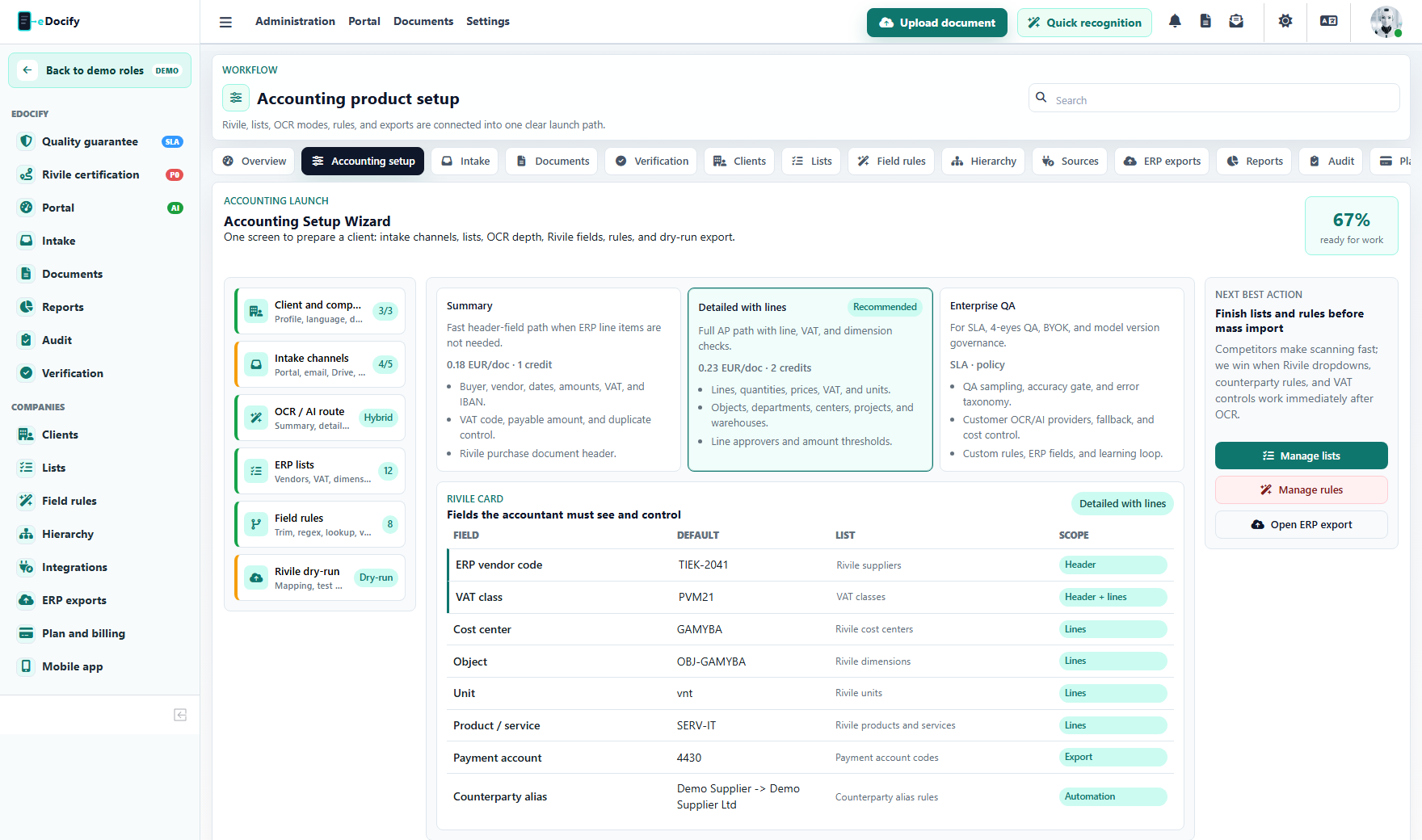
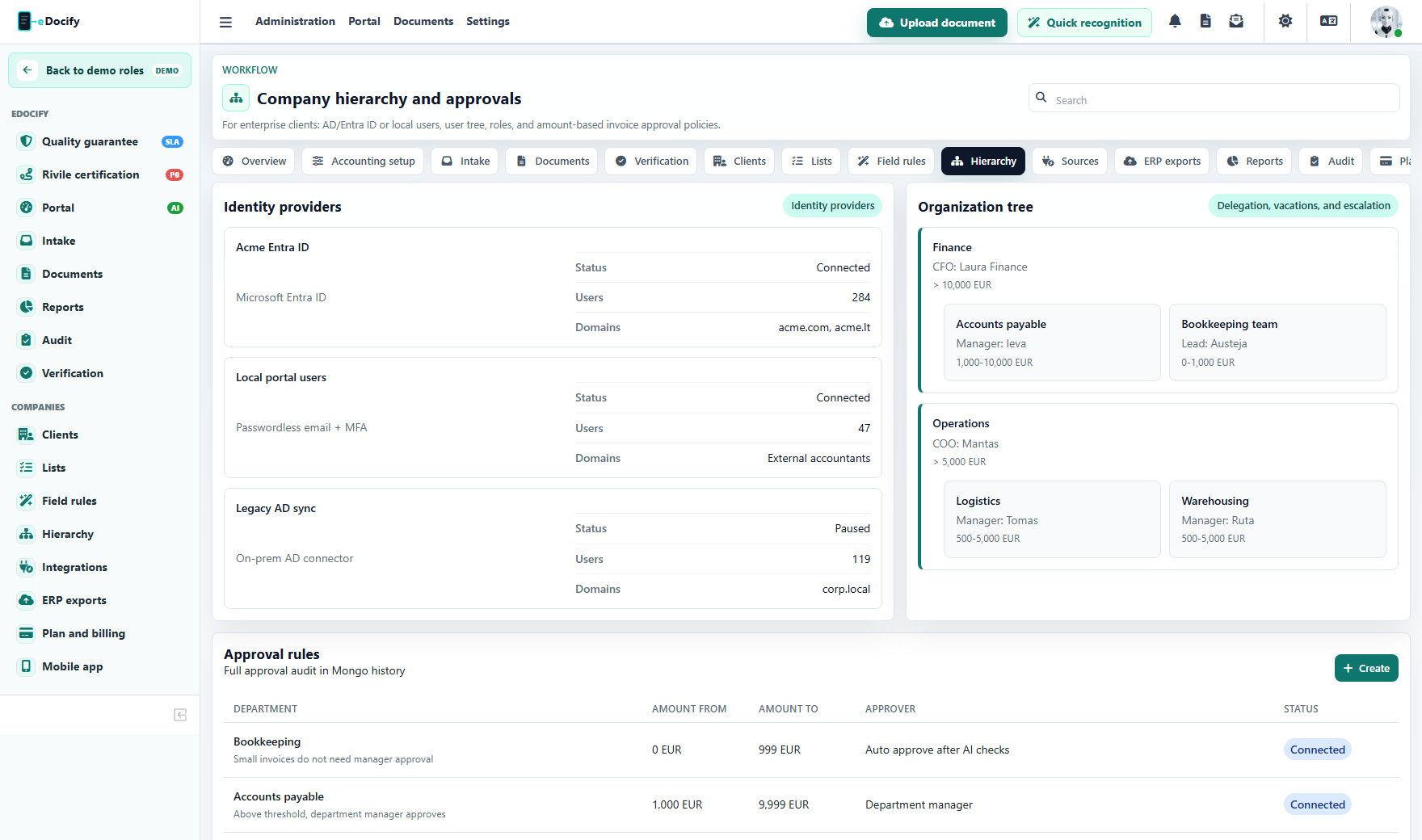
Client hierarchy is the operational view for tenant groups, companies, users, roles, delegations, and approval governance.
Tenant model
Recommended hierarchy:
flowchart TD
  A["Platform"] --> B["Tenant / customer group"]
  B --> C["Company"]
  B --> D["Client"]
  C --> E["Users"]
  D --> E
  B --> F["Product profiles"]
  B --> G["AI / OCR providers"]
  B --> H["ERP profiles"]
  B --> I["Intake sources"]
Product scope
Users should not automatically see every product. Product scope can include:
- accounting;
- idp;
- archive.
A sandbox admin in demo mode should administer only the selected product sandbox, not the global platform.
Role model
| Role | Responsibility |
|---|---|
| SYSTEM_ADMIN | Platform-level administration, configuration, security, and internal operations. |
| TENANT_ADMIN | Tenant setup, companies, users, product settings. |
| CLIENT_ADMIN | Client-level settings and users inside assigned scope. |
| ACCOUNTANT | Accounting workflow, uploads, review, export preparation. |
| VERIFIER | Verification Workbench and field/line correction. |
| APPROVER | Approval tasks. |
| FINANCE_DIRECTOR | High-value approvals and finance oversight. |
| INTEGRATION_ADMIN | Connectors, ERP profiles, API keys, exports. |
| AI_LEARNING_USER | Internal AI Learning and quality governance. |
| AUDITOR | Read-only audit, evidence, reports, archive. |
| VIEWER | Restricted read-only access. |
Fine-grained permissions
Roles are a starting point. Enterprise deployments also need capabilities:
- document read/write/delete;
- verification lock takeover;
- export run;
- export profile edit;
- approval policy edit;
- archive legal hold;
- archive disposition;
- AI provider edit;
- user invite;
- billing management;
- break-glass access.
SSO and authentication
Recommended enterprise path:
- username/password for local development and small tenants;
- 2FA for admins;
- Google OAuth for Google Workspace customers;
- Microsoft Entra ID OIDC/SAML for enterprise;
- Keycloak/OIDC for self-hosted or regulated environments;
- SCIM provisioning for larger customers;
- domain verification for tenant ownership.
Break-glass access
SYSTEM_ADMIN access should be controlled in production:
- require reason;
- set time limit;
- audit start and end;
- show affected tenant;
- notify security owner;
- prevent permanent invisible access.
Audit log
Audit events should capture:
- timestamp;
- tenant;
- product;
- user;
- roles;
- IP address;
- user agent;
- action;
- resource type and id;
- before/after when safe;
- reason;
- correlation id.
Production hardening checklist
- Disable development header overrides in production.
- Require HTTPS.
- Enforce 2FA for privileged roles.
- Rotate connector secrets.
- Store provider keys securely.
- Apply per-resource authorization.
- Log failed access attempts.
- Limit API rate.
- Monitor background worker errors.
- Separate demo and production data.