E-document Archive role guide
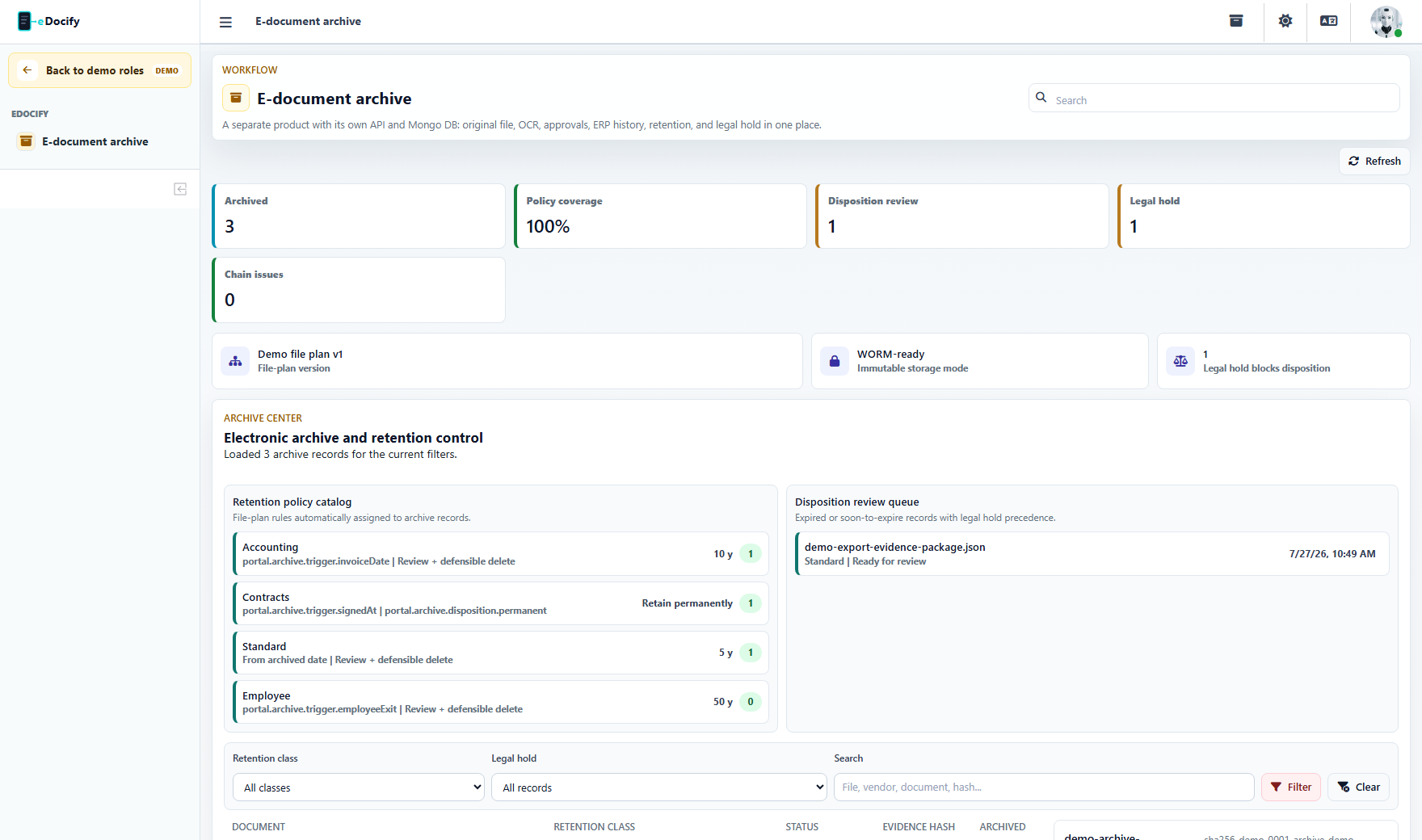
E-document Archive is a separate product, not a leftover tab from the OCR portal. It focuses on original files, preservation copies, OCR text, metadata, retention, legal hold, evidence hash, audit chain, and discovery.
The archive product must not show AI Learning, OCR factory training, or accounting-only verification screens to normal archive users.
Role and menu matrix
| Role | Visible menu in screenshot audit | Primary job |
|---|---|---|
| Sandbox admin | Portal, E-document archive, Reports, Audit, Clients, Lists, Hierarchy, Integrations, Plan and billing | Configure archive sandbox policies, users, retention classes, and integrations. |
| Archivist | E-document archive | Import, search, tag, and maintain archive records. |
| Records manager | Portal, E-document archive, Reports, Audit, Clients, Lists, Hierarchy, Integrations, Plan and billing | Own file plan, retention, legal hold, disposition, and access structure. |
| Archive auditor | E-document archive, Reports, Audit | Review evidence and event history without changing records. |
| Integration admin | Portal, E-document archive, Lists, Integrations | Configure archive API, migration imports, and connector retries. |
| Viewer | E-document archive | Search and open records within allowed scope. |
Sandbox admin
The archive sandbox admin stays inside the selected product. It can manage archive settings and related tenant configuration, but it should not expose AI Learning or the global platform admin cockpit.
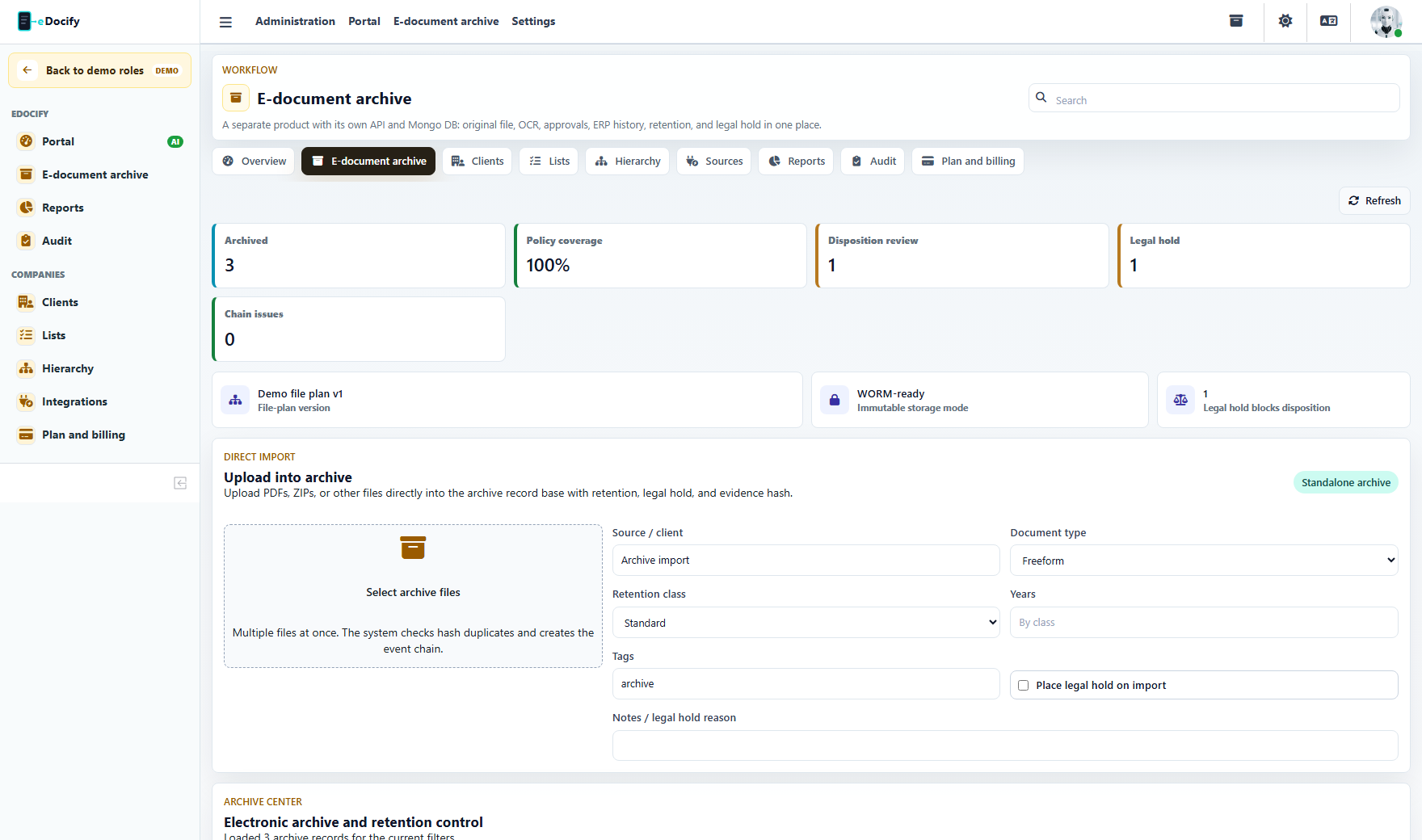
Archivist
The archivist sees the archive center and direct import area. This role works with records, retention class, legal hold at import, tags, notes, and evidence chain.

Records manager
The records manager owns policy: file plan, retention classes, legal hold, disposition review, and product-specific user structure.
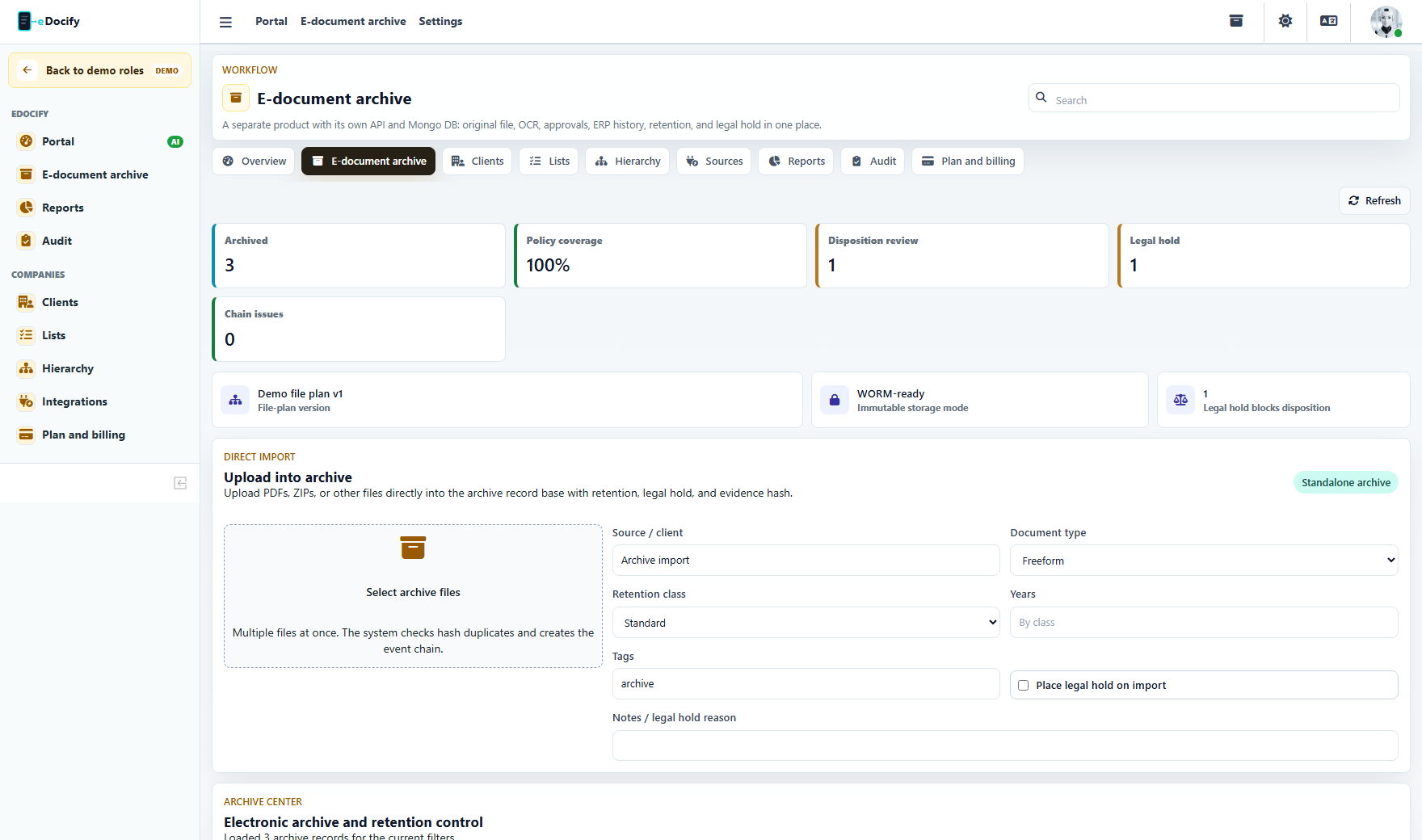
Archive auditor
The archive auditor sees record evidence and audit surfaces. This is a read-heavy role built for investigation, compliance, and defensible deletion review.
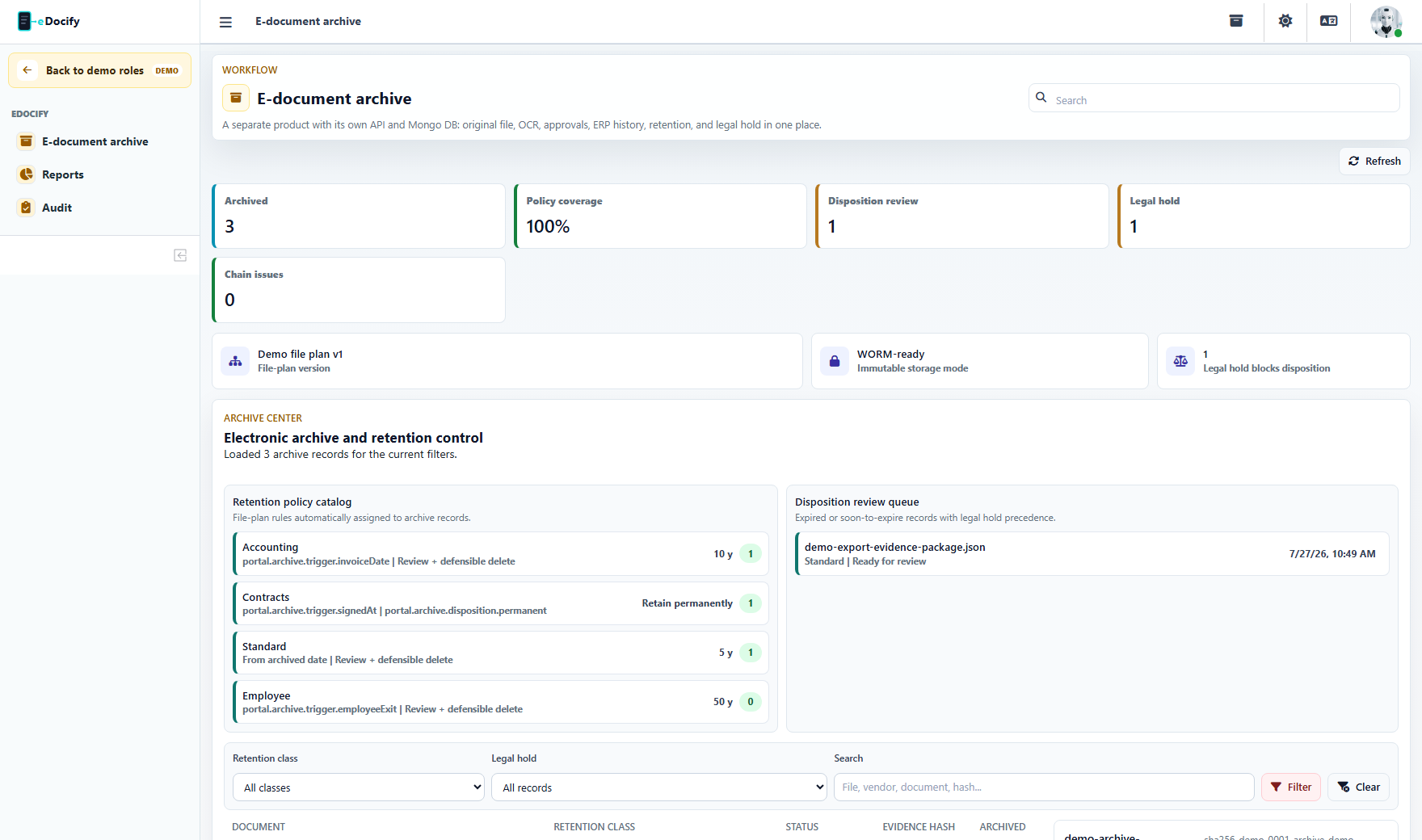
Integration admin
The integration admin configures archive ingestion and migration routes: archive API, portal import, connector retries, and source health.
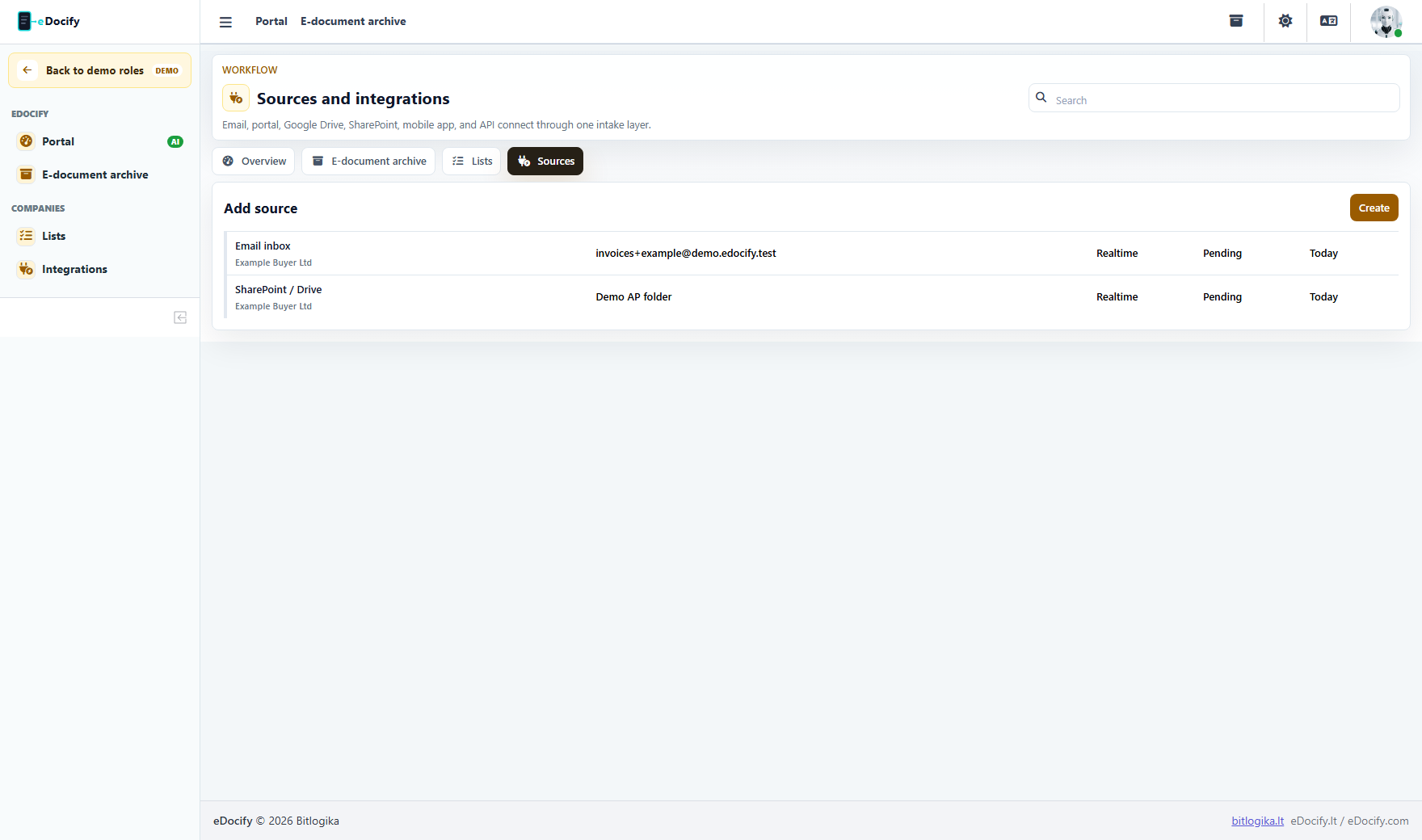
Viewer
The viewer gets the simplest archive experience: search and open records. This is the safest external/customer-facing archive role.
Archive product acceptance criteria
- Archive users must not see AI Learning.
- Archive viewer must not see admin, billing, integrations, or reports.
- Archive auditor may see audit/report evidence but not modify retention policy.
- Records manager can control retention and legal hold.
- Direct import must support multiple files, ZIP, metadata, retention class, and legal hold at import.
- Every archive record should expose original file, OCR text, metadata, event chain, retention state, and evidence hash.