Integration admin guide
Integration admin owns the technical edge of the product: source connectors, inboxes, Drive, SharePoint, API routes, ERP profiles, export jobs, retries, and connector health.
Product scope
| Product | Integration focus |
|---|---|
| Accounting Workspace | Email/portal/Drive/SharePoint intake and ERP export, especially Rivile first. |
| Enterprise IDP / OCR Operations | High-volume connectors, provider routing, queues, downstream APIs. |
| E-document Archive | Archive API, migration import, preservation source routing, evidence exports. |
Intake source responsibilities
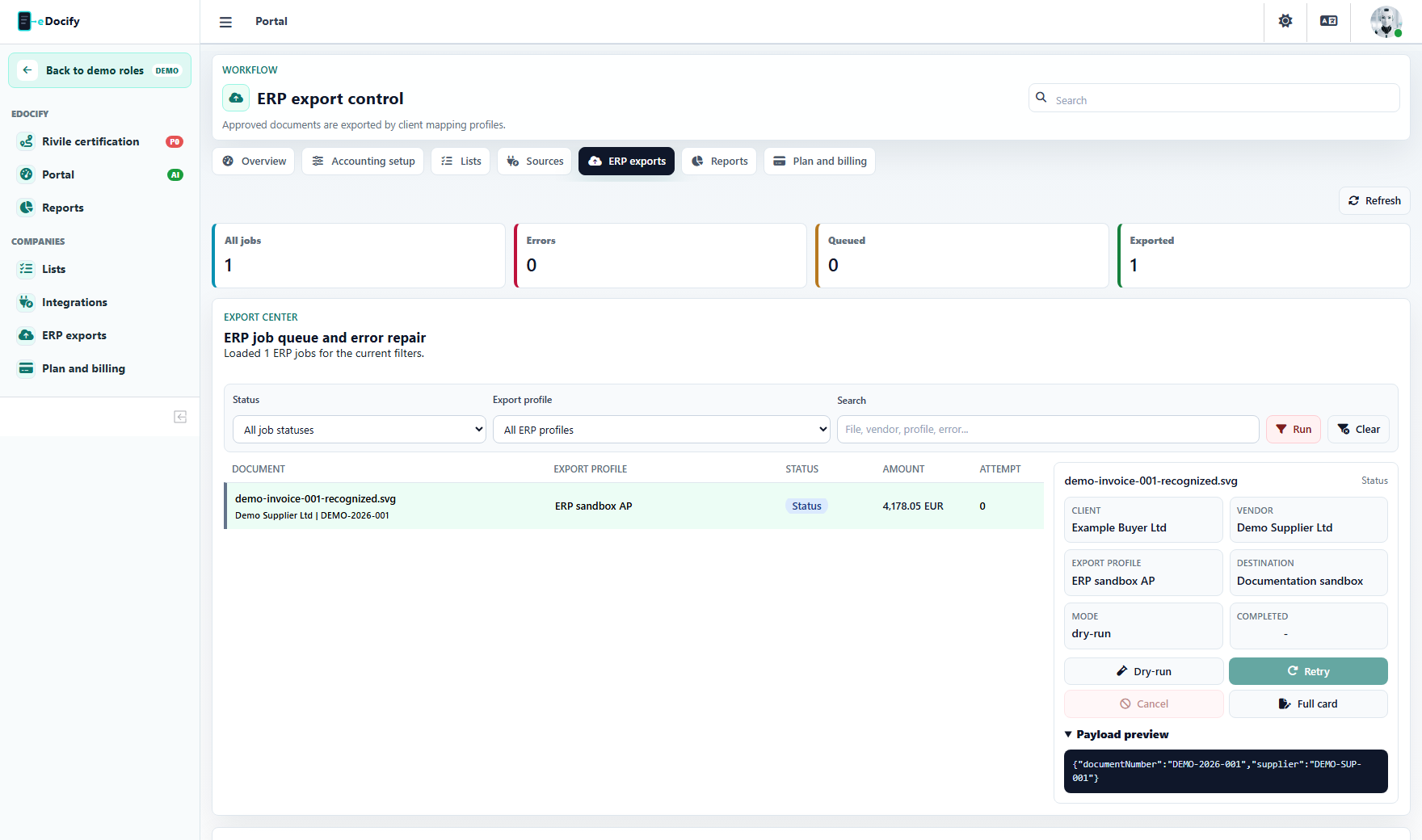
Integration admin configures:
- per-tenant email aliases and mailbox routes;
- shared mailboxes;
- Google Drive and Microsoft Graph sources;
- SharePoint folders;
- API push clients;
- SFTP or scanner channels when enabled;
- routing rules by source, company, folder, sender, file name, or document type.
Export responsibilities
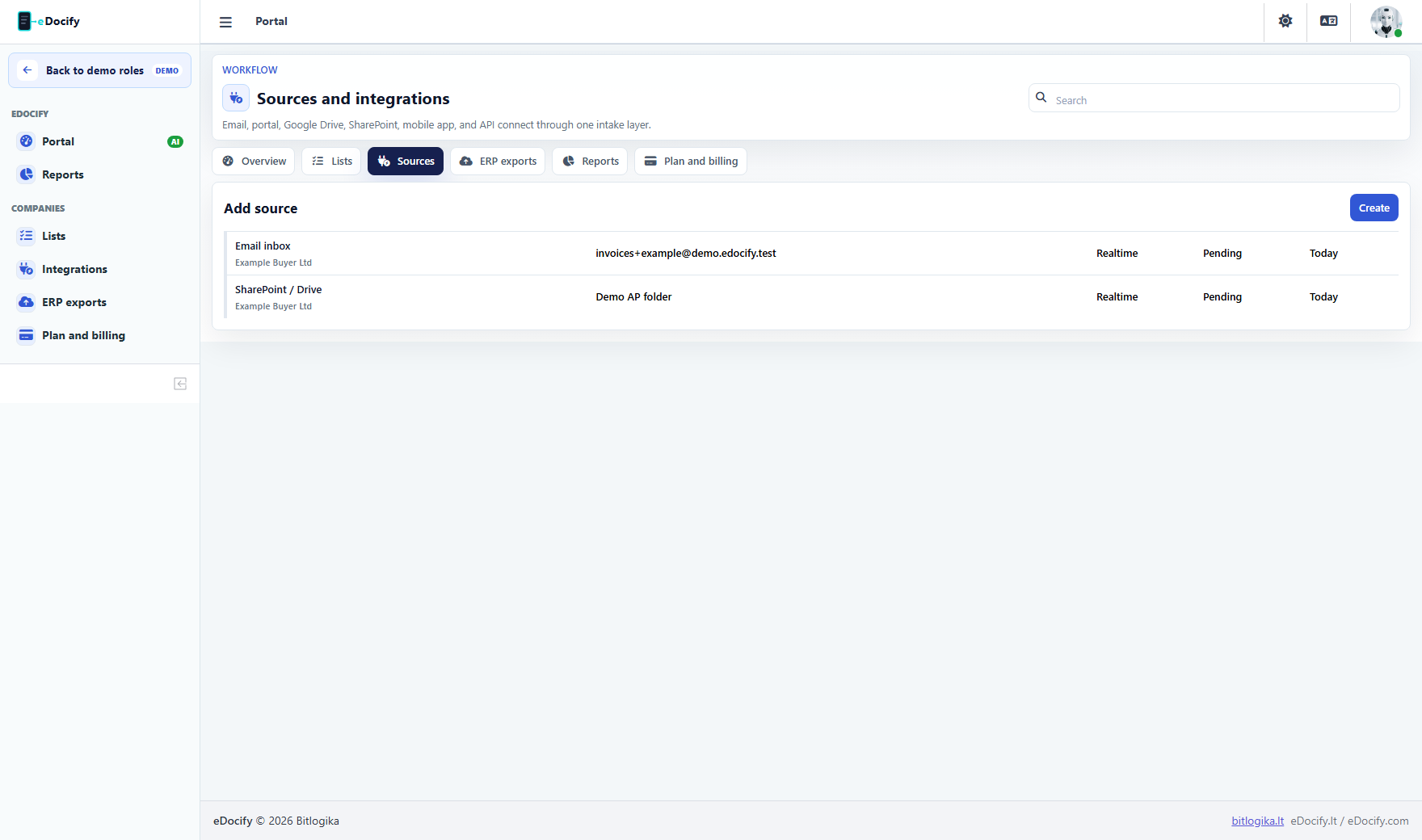
Export actions:
- configure ERP profile;
- test dry-run;
- inspect payload;
- repair mapping;
- retry failed export;
- cancel active export;
- open related document;
- verify response or error message.
Reference and mapping responsibilities
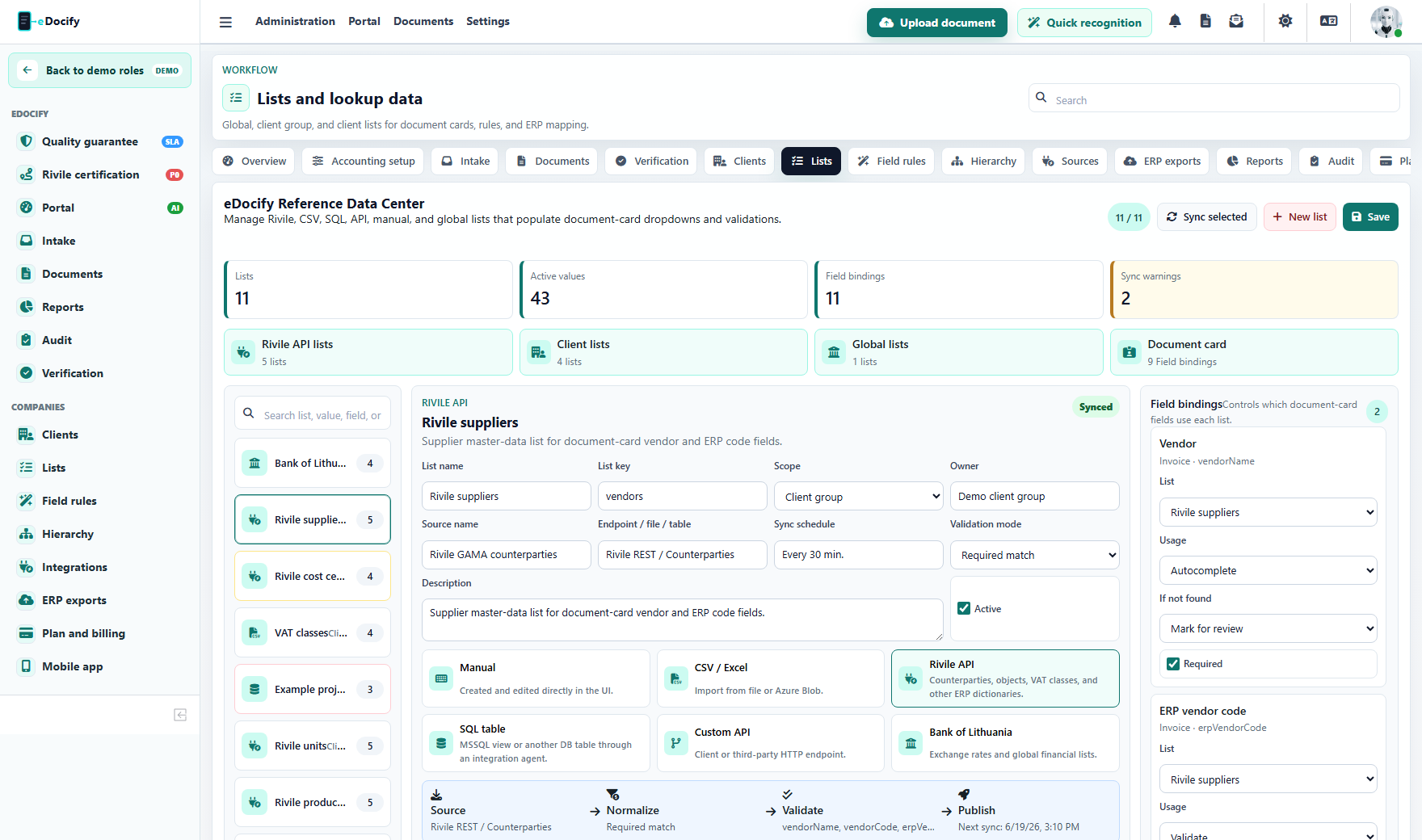
Integration admin often owns synchronized lists:
- ERP supplier codes;
- VAT classes;
- cost centers;
- project codes;
- item codes;
- currency rates;
- payment account codes.
Archive integrations
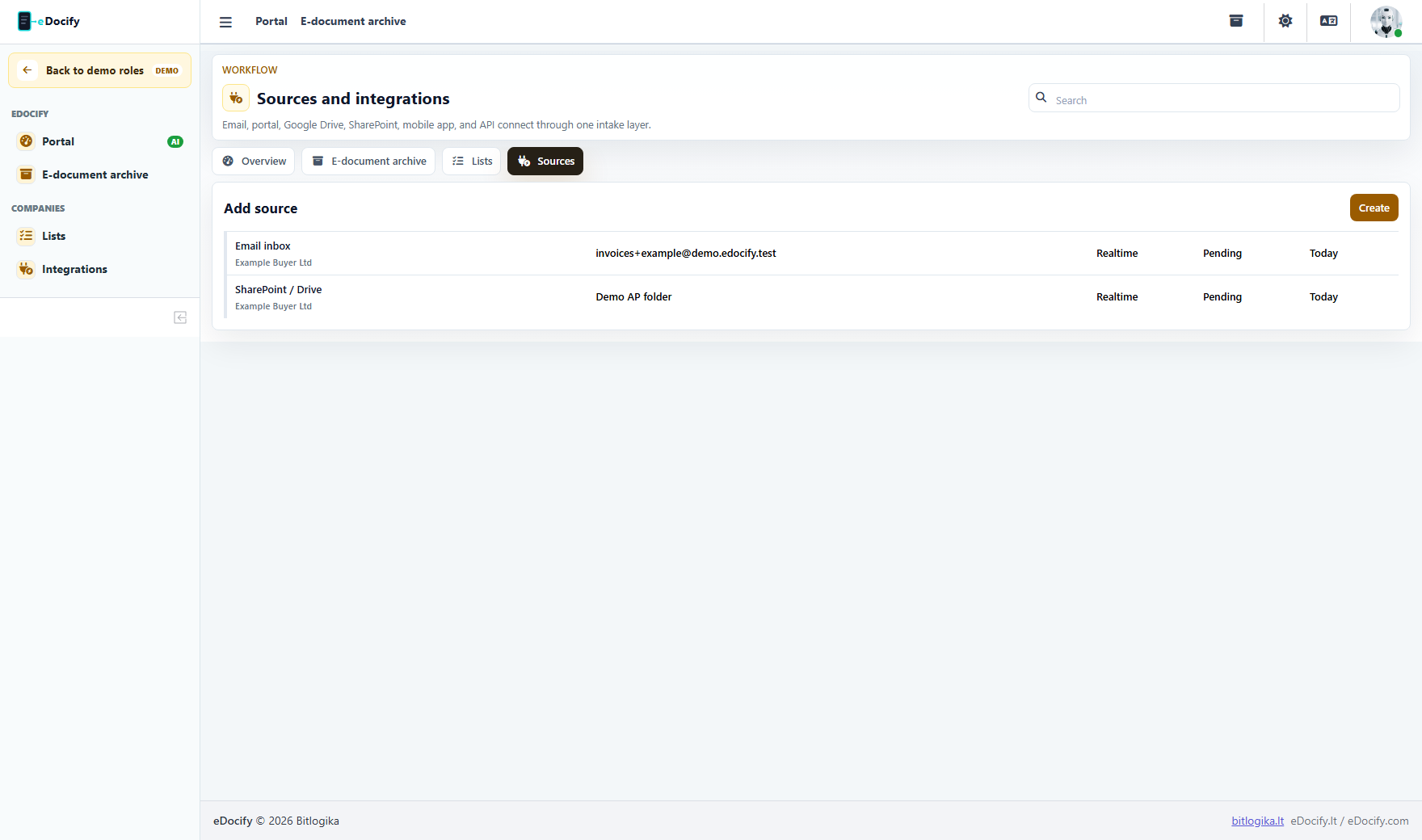
Archive integration admin manages archive source channels, migration batches, preservation routing, and connector errors without seeing unrelated OCR learning workflows.
Operational checks
- Every connector should show last sync, status, failures, retry policy, and affected client.
- Simulated adapter behavior is allowed only in demo/dev or explicit sandbox mode.
- Secrets should be write-only in UI.
- Connector errors should be visible in audit and reports.
- API/webhook routes should use idempotency keys and rate limits.
Demo test path
- Enter as Integration admin.
- Open Integrations and ERP exports.
- Confirm the menu does not expose global admin or AI Learning unless separately granted.
- Run an export dry-run or inspect an export job.
- Confirm failed jobs can be retried or cancelled.