Tenant admin guide
Tenant admin manages a client group. This role can configure companies, product access, user assignments, approval policies, and shared reference data for the tenant group, but it should not control global platform settings.
Responsibilities
| Area | What tenant admin controls |
|---|---|
| Tenant group | Name, product subscriptions, companies, and group-level settings. |
| Companies | Company records, document types, product scope, and client profile defaults. |
| Users | User assignment, roles, status, invite and reset flows within tenant scope. |
| Approval governance | Thresholds, substitutes, VIP rules, line-level approval availability. |
| Shared lists | Dictionaries shared by companies inside the tenant group. |
| Reports and audit | Tenant-level process visibility and evidence. |
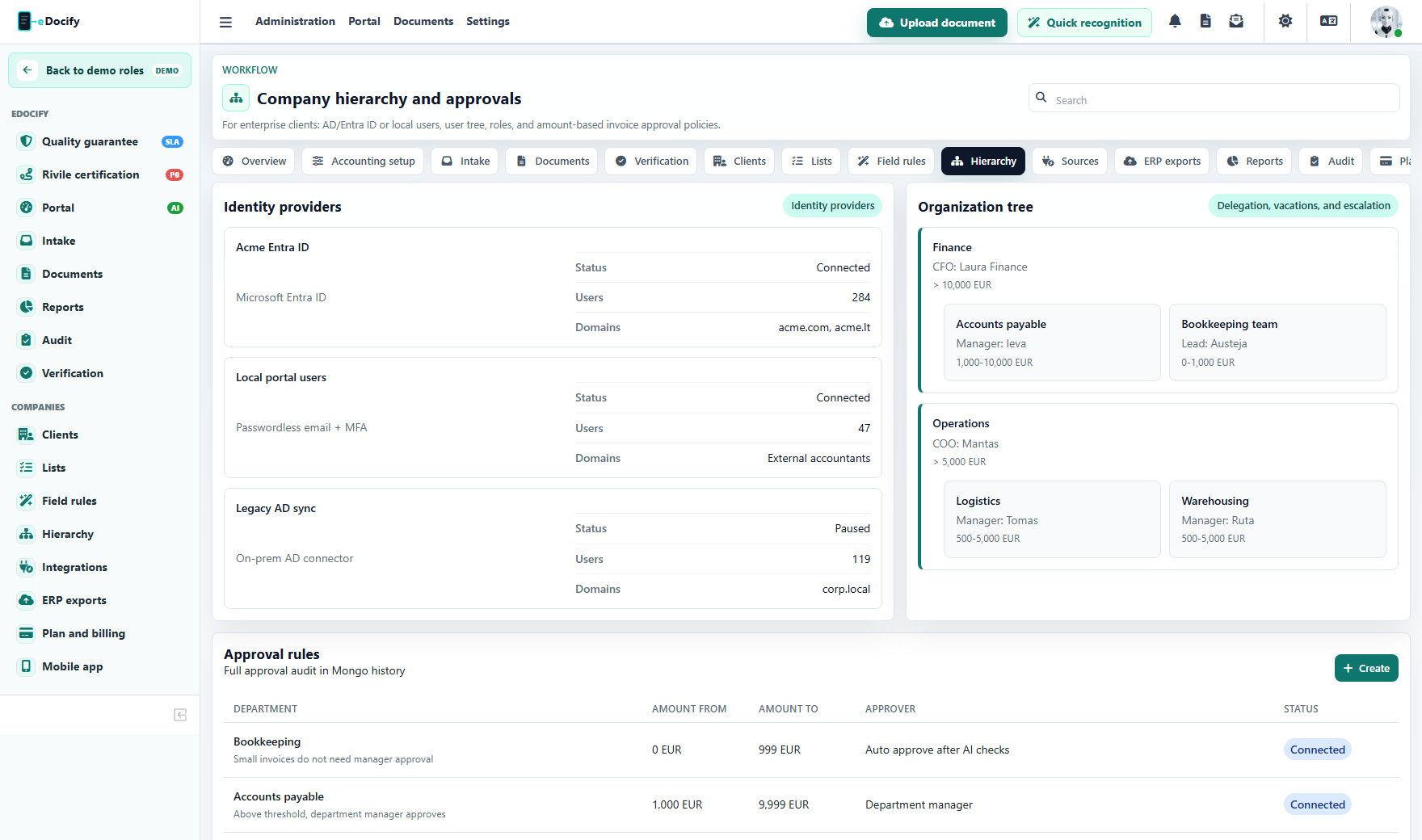
Main workflow
- Create or select the tenant group.
- Add companies and assign product access.
- Configure users and roles per company.
- Configure approval thresholds and substitutions.
- Configure shared lists and field rules.
- Review reports and audit trail.
Product-specific behavior
| Product | Tenant admin focus |
|---|---|
| Accounting Workspace | Company AP setup, accountant/verifier/approver roles, ERP readiness. |
| Enterprise IDP / OCR Operations | Verifier teams, source routing, quality and SLA visibility. |
| E-document Archive | Retention policy ownership, legal hold responsibility, archive user scope. |
Screens to use
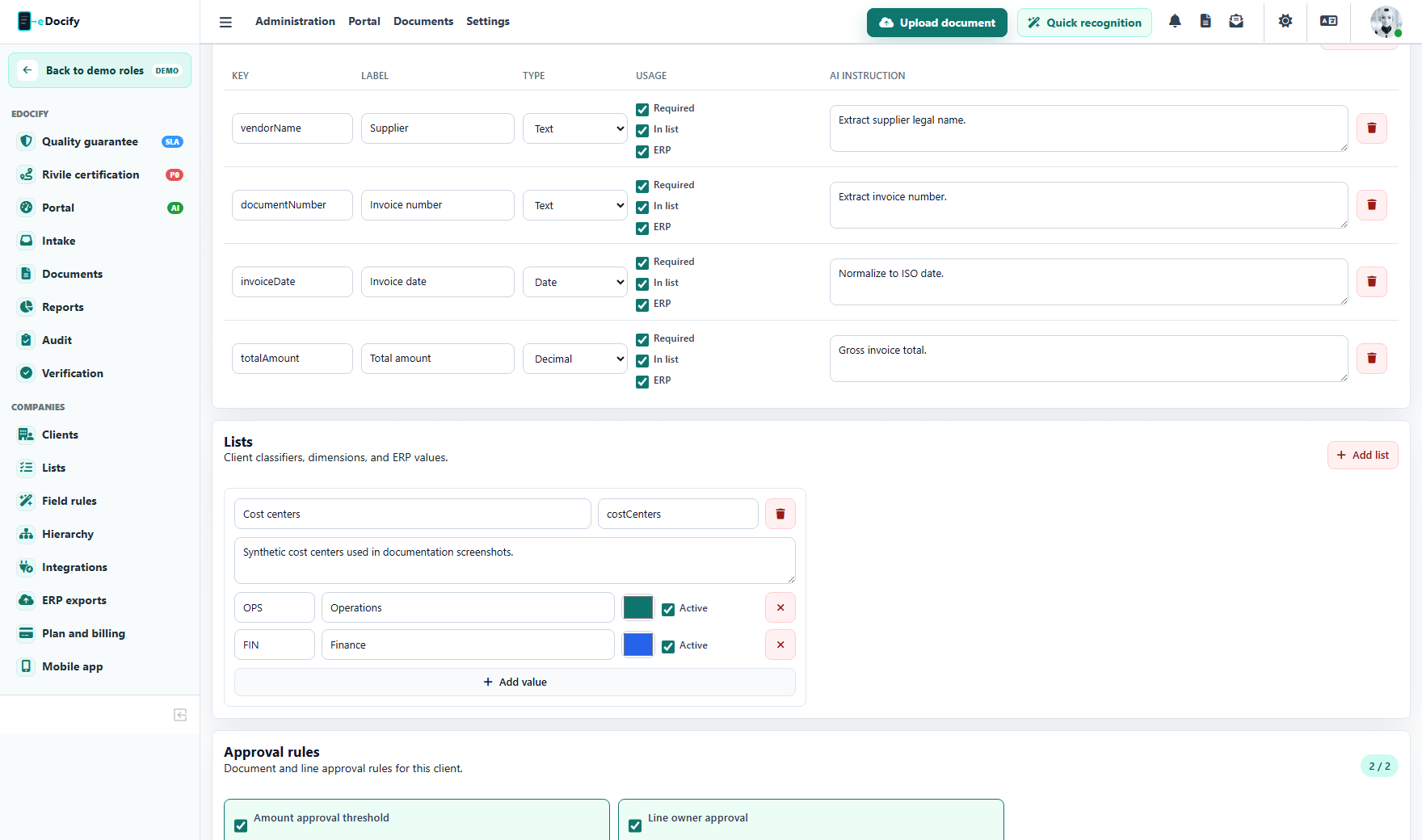
Use client profiles to decide company-specific fields, OCR provider, ERP profile, and line-level approval behavior.
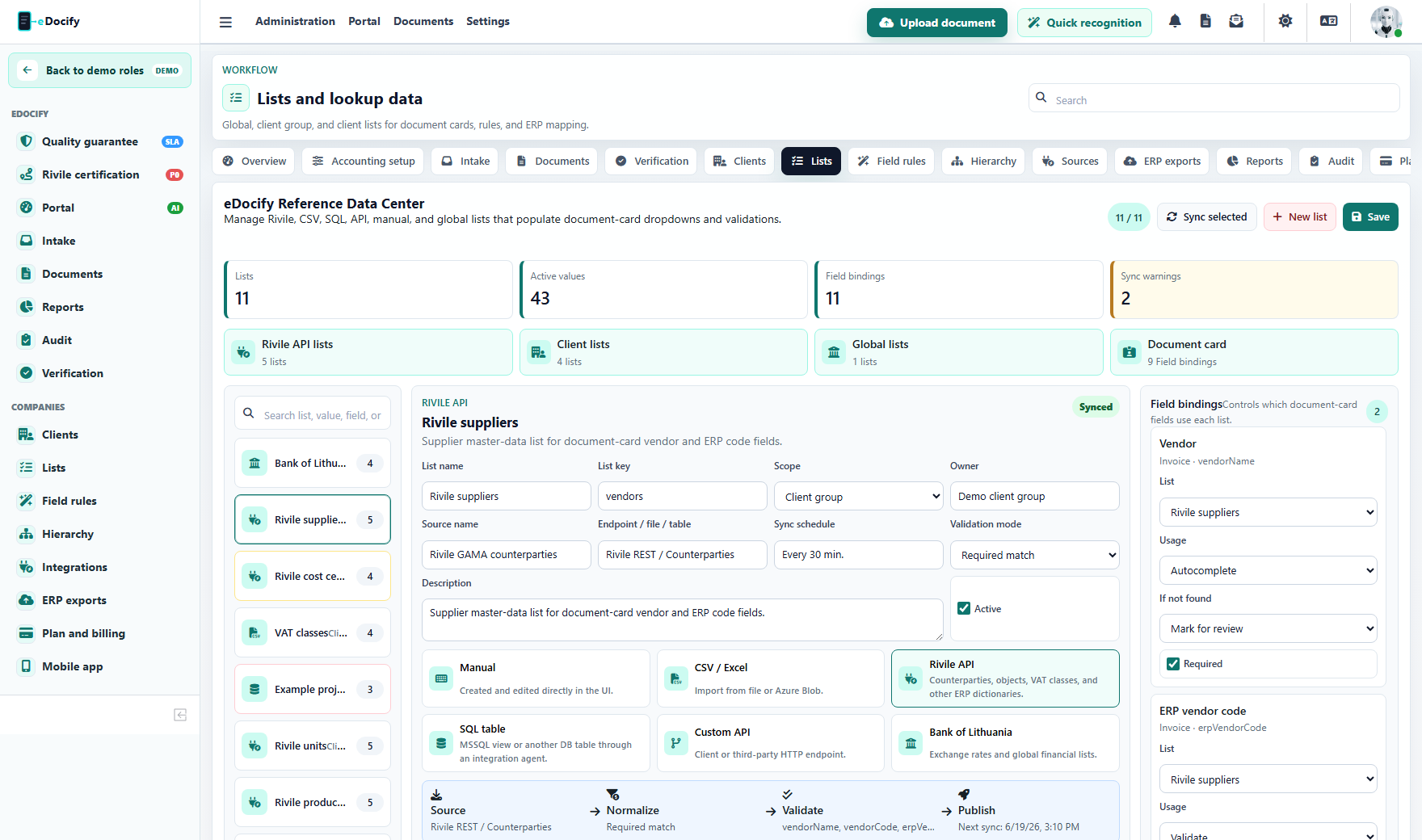
Use Lists to maintain tenant-level dictionaries such as departments, projects, supplier mappings, and currency rates.
Guardrails
- Tenant admin can manage only the assigned tenant group.
- It must not see unrelated customer groups.
- It should not publish global AI provider or model changes.
- It should not access internal AI Learning unless explicitly granted another role.
- Its actions must be visible in audit logs.
Demo test path
- Enter a product sandbox as an admin-level role.
- Open Hierarchy and confirm only the selected product and tenant context is shown.
- Change a role assignment or delegation in the sandbox.
- Confirm the audit log shows the change with actor, tenant, product, and subject.