Viewer guide
Viewer is the safest read-only role. It is used for users who need to search and open allowed records but should not change workflow, approval, export, or configuration state.
Main archive experience
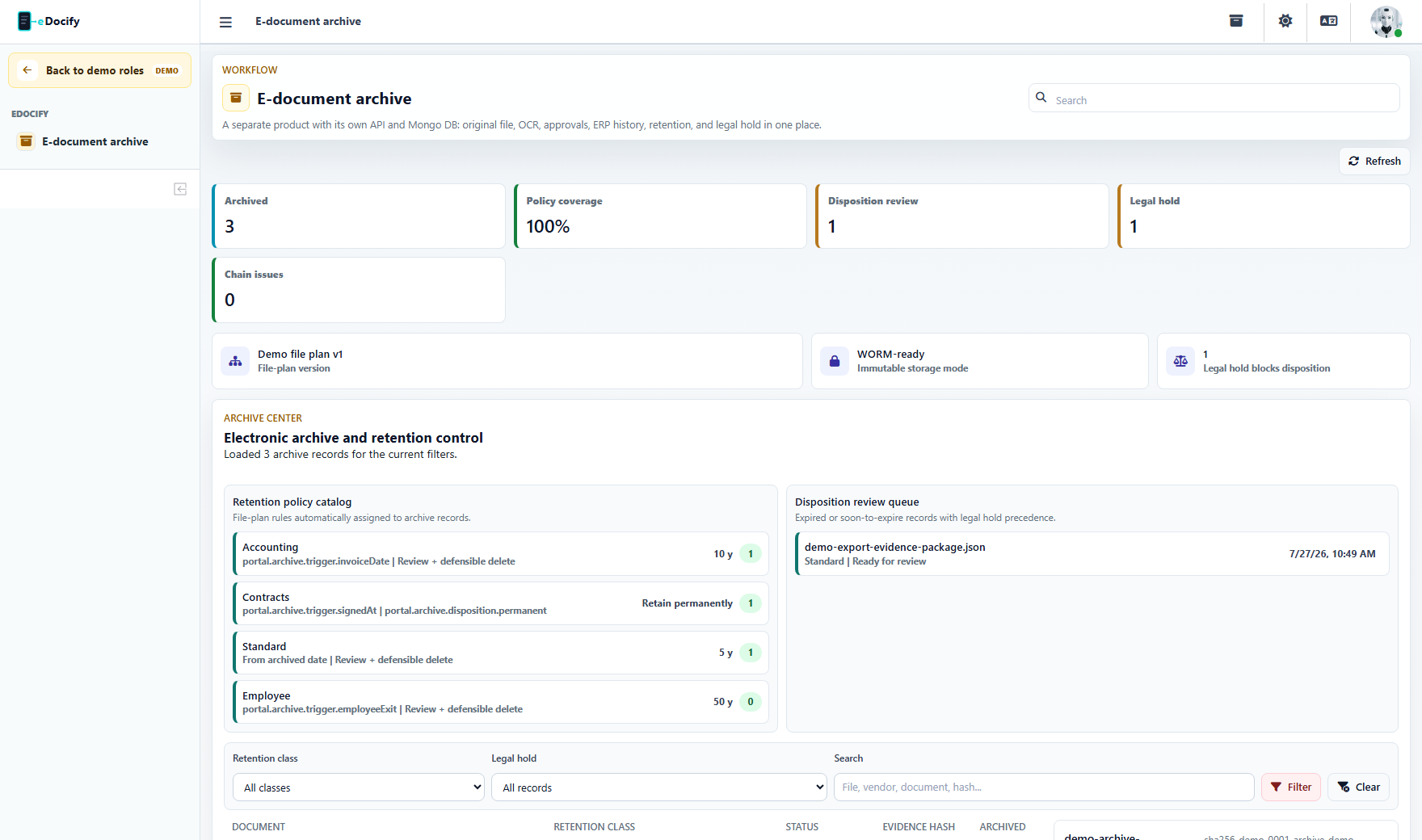
Viewer can:
- search records;
- filter allowed archive data;
- open record details;
- read metadata;
- view OCR text if allowed;
- download files only when policy permits.
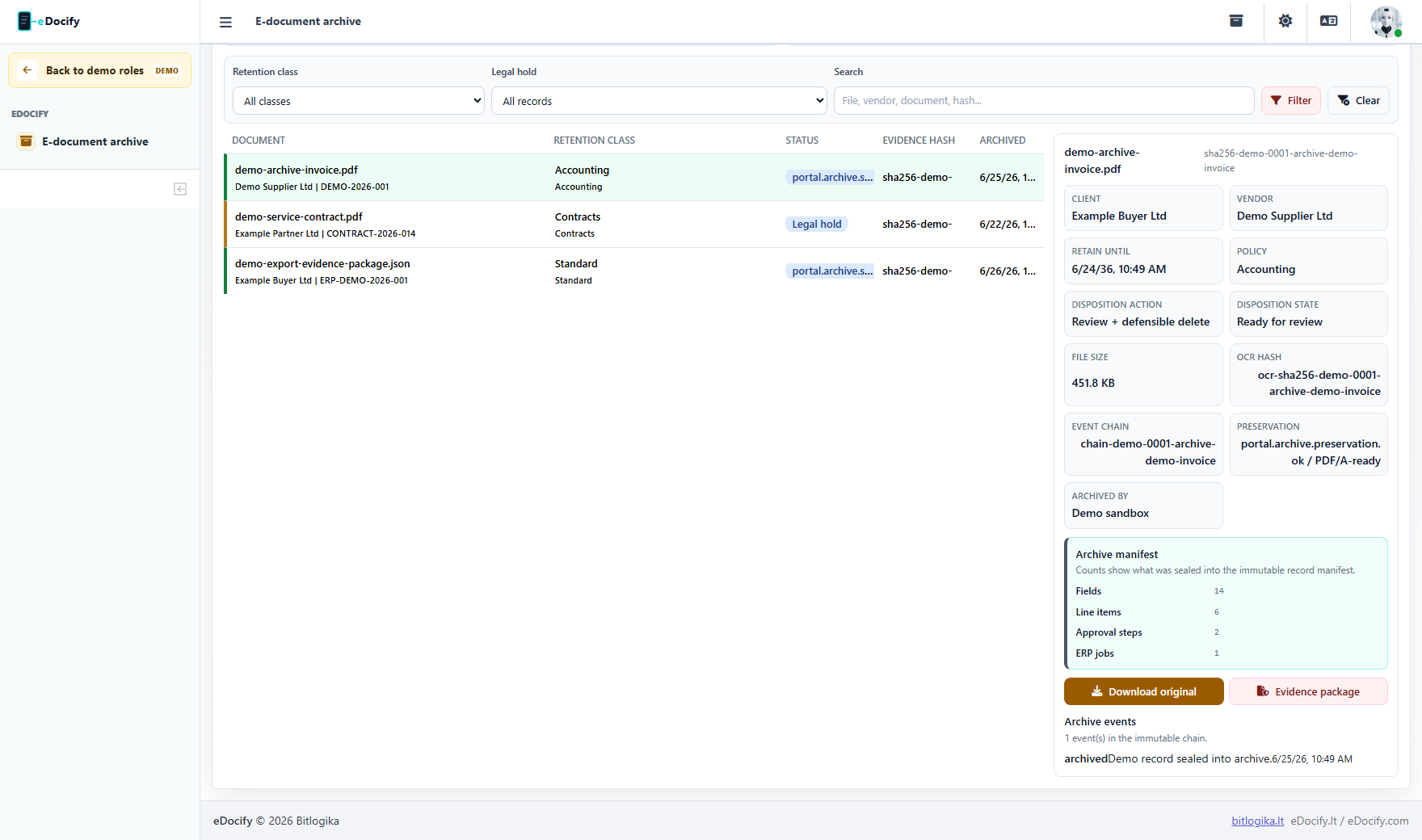
What viewer should not see
- Field rules;
- AI Learning;
- client hierarchy;
- billing;
- integrations;
- ERP exports;
- approval action buttons;
- delete, legal hold, disposition, or retention edit actions.
Record detail
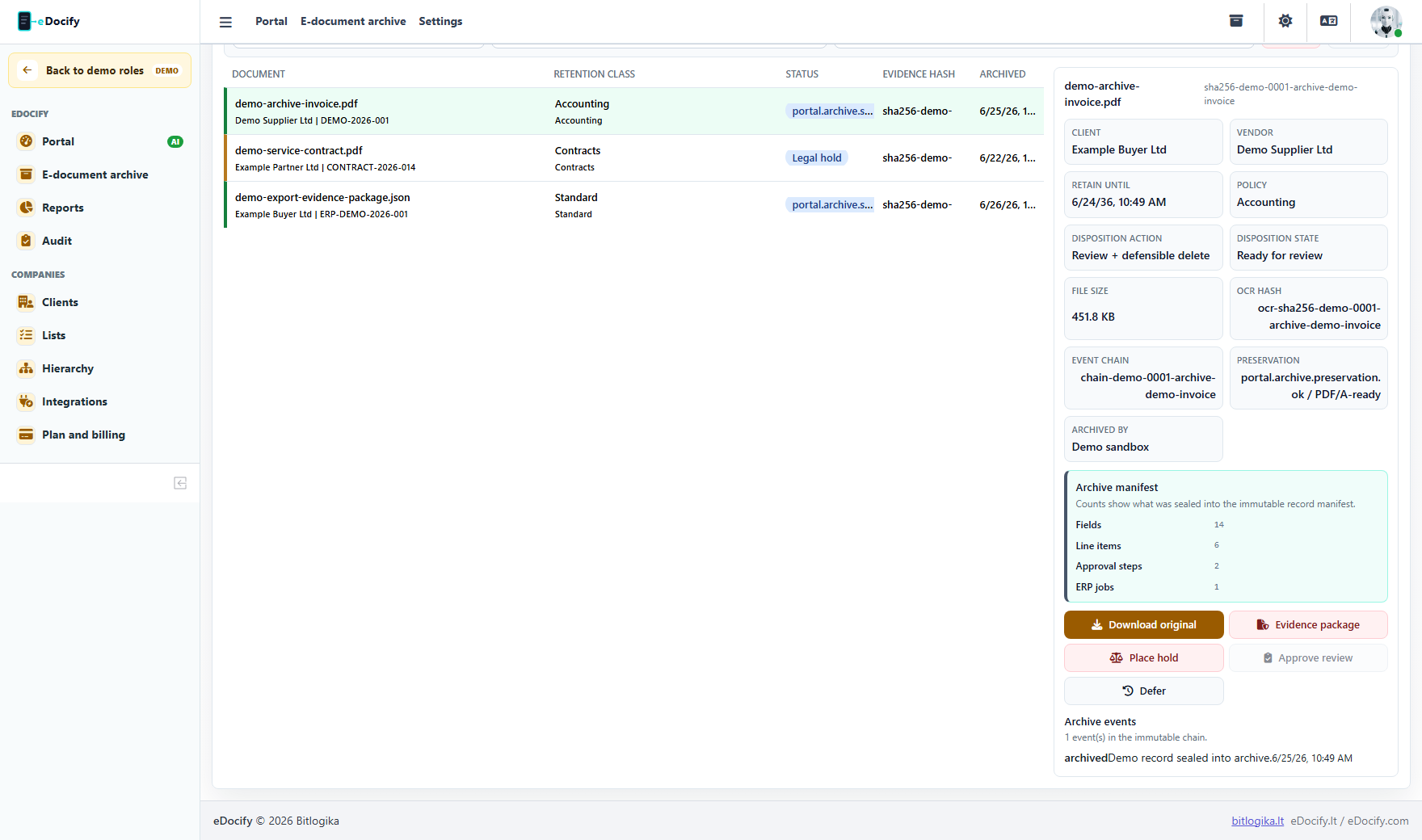
Viewer may see record detail when policy allows it:
- document title;
- document type;
- source;
- retention class;
- tags;
- OCR text;
- evidence summary;
- file preview or download.
The exact access depends on tenant and company authorization.
Demo test path
- Enter Archive product as Viewer.
- Confirm only E-document archive is visible.
- Search and filter records.
- Open a record.
- Confirm there are no edit, delete, retention, integration, or billing actions.