Catalog data mapping
NopBridge product imports are designed for real catalog data, not only simple product rows. A production mapping should cover the product, its categories, pictures, attributes, specification attributes, and update identity.
After import, NopBridge Control Center can be used to review and adjust the imported product card.
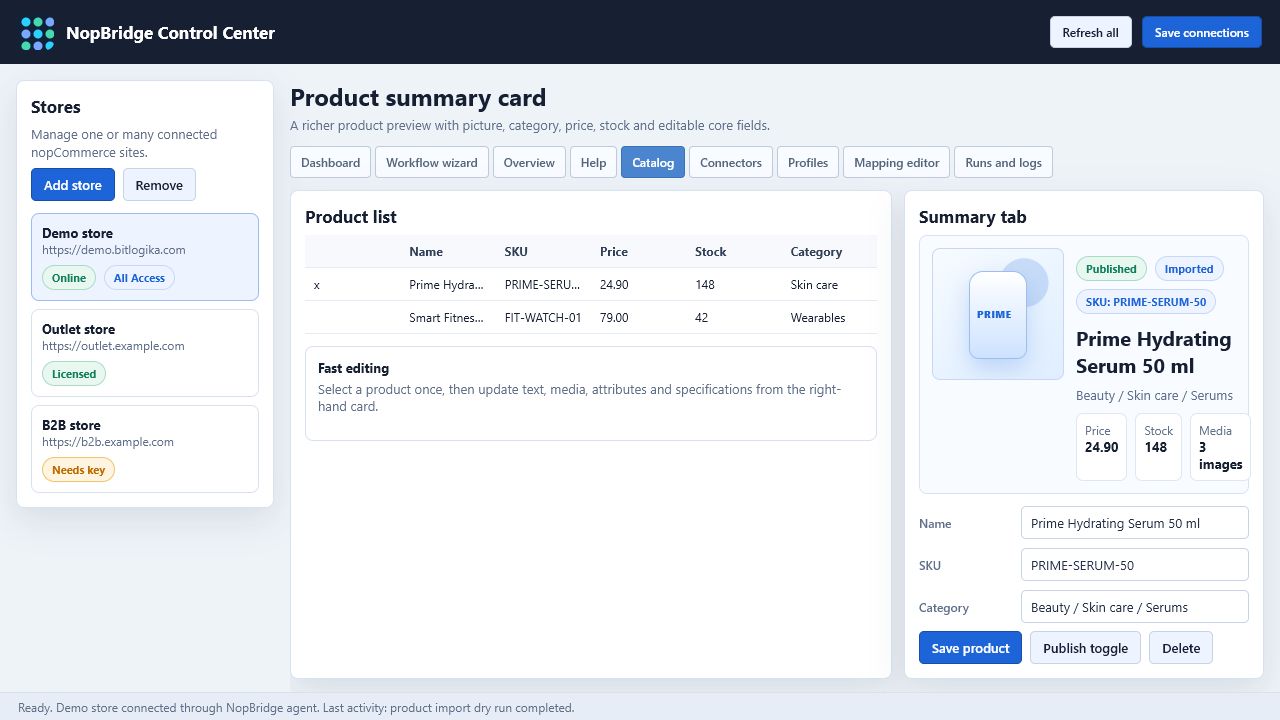
Product fields
Start with the stable product identity.
| Target | Notes |
|---|---|
| SKU | Best duplicate key when the supplier keeps SKU stable. |
| Source external ID | Useful when SKU can change. |
| Name | Required for customer-facing catalog quality. |
| Short description | Good for product lists. |
| Full description | Good for product detail pages. |
| Price | Validate currency and decimal separators. |
| Stock quantity | Convert supplier stock status when needed. |
| Published | Usually controlled by rule or default. |
Categories
Category mapping can create or reuse nopCommerce categories.
Typical source shapes:
- Single category name:
Shoes. - Breadcrumb path:
Clothing > Men > Shoes. - External category ID plus name.
- Multiple categories per product.
Recommended rules:
- Normalize separators.
- Trim each category level.
- Use consistent casing.
- Reuse existing category when the normalized path matches.
- Create missing categories only when the profile allows it.
Product attributes
Use product attributes for customer-selectable or variant-like values.
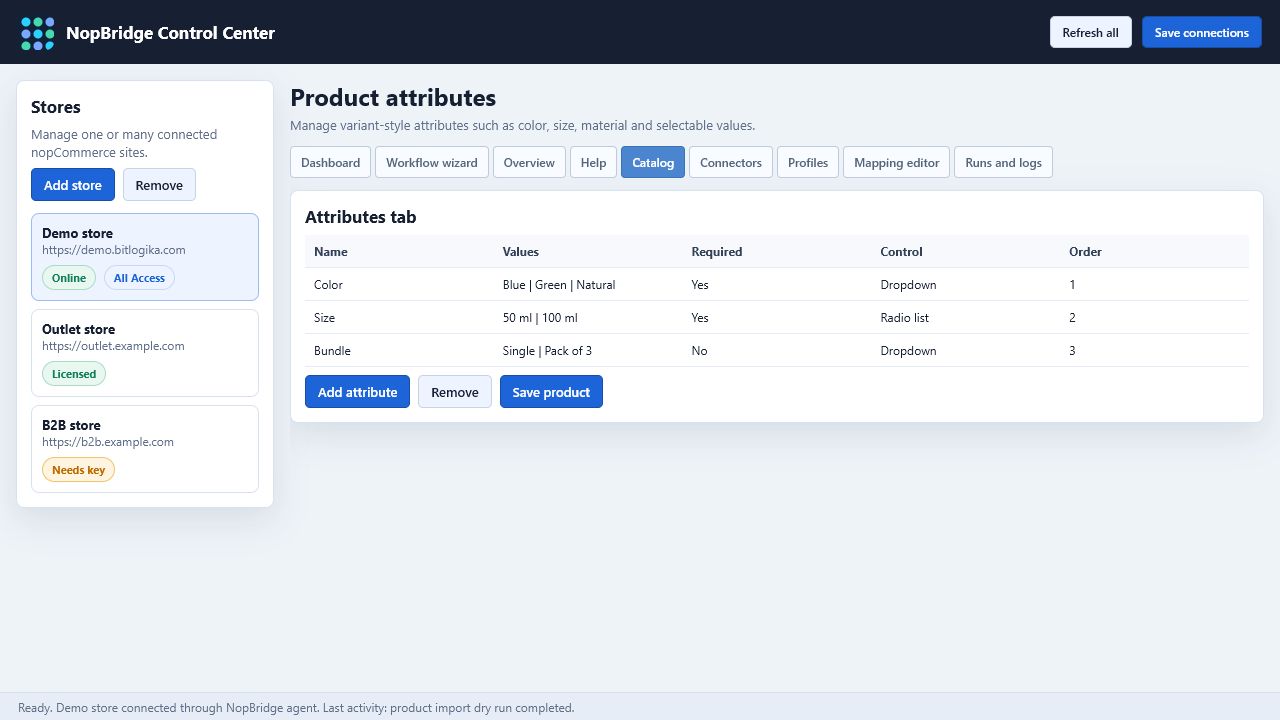
Examples:
- Color.
- Size.
- Material.
- Packaging.
- Capacity.
If a source contains multiple values, split them into separate attribute values. For example, red|blue|green can become three color values.
Specification attributes
Use specification attributes for technical facts and filters.
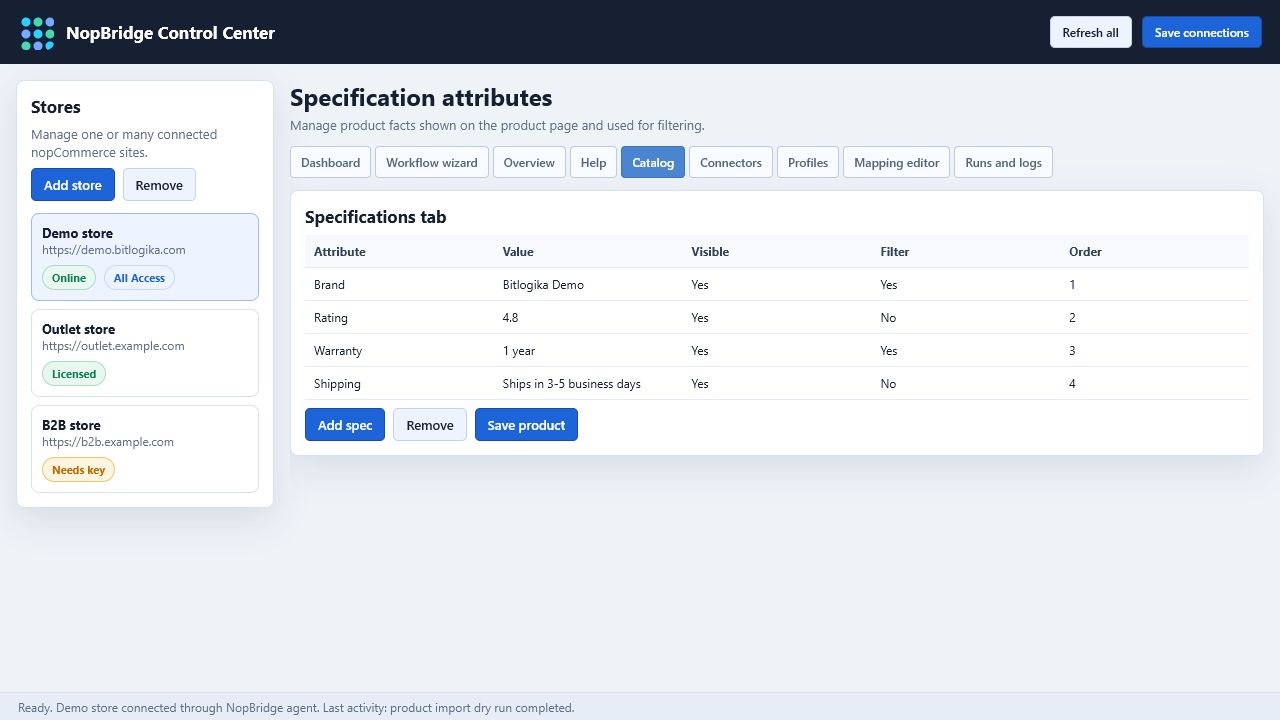
Examples:
- Weight.
- Warranty.
- Rating.
- Shipping information.
- Return policy.
- Dimensions.
- Availability status.
Specification attributes should be readable and consistent. Avoid creating hundreds of near-duplicate attribute names caused by inconsistent source labels.
Pictures
Product pictures can come from a different source than the product data file.
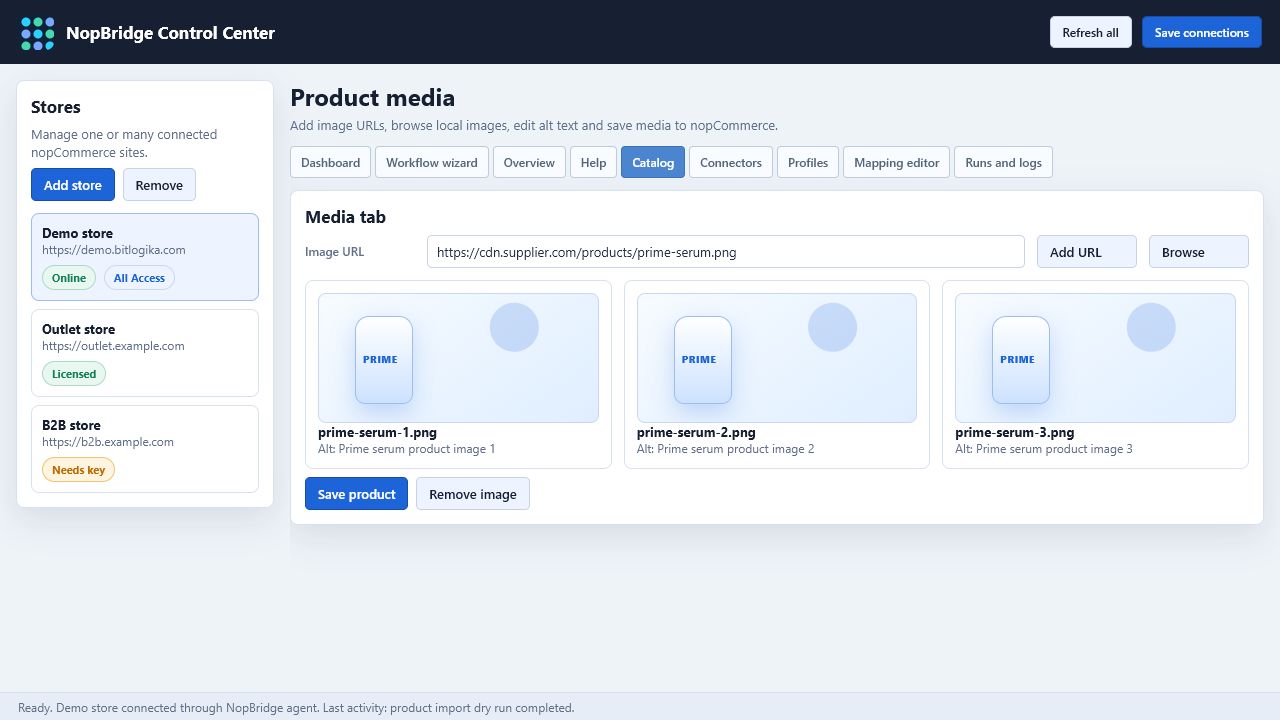
Supported picture source patterns:
| Picture source | Example |
|---|---|
| HTTP URL | https://supplier.example.com/images/sku-100.jpg |
| File system | C:\Feeds\Images\sku-100.jpg |
| UNC share | \\server\share\images\sku-100.jpg |
| FTP / SFTP | /images/sku-100.jpg with connector credentials |
| Drive / SharePoint | File ID, shared link, or mapped file reference |
| Object storage | S3 or Azure Blob object key |
Picture mapping should define:
- How to find the image.
- Whether to replace existing images or append new ones.
- Display order.
- Whether missing images should be warnings or errors.
Duplicate and update behavior
Production imports should never rely on product name alone for duplicates.
Recommended identity order:
- Source external ID.
- SKU.
- Manufacturer part number.
- GTIN or barcode.
- Controlled custom key.
On repeat runs, NopBridge should:
- Find the existing imported record.
- Update changed fields.
- Keep unchanged fields stable.
- Add new records.
- Report skipped records with reasons.